
Mobile workflows
DoorSuite is built for mobile-ready execution. Staff and tenants can work through payments, lease access, messages, and maintenance updates from the portal experience without relying on desktop-only workflows.
DoorSuite is designed for self-serve evaluation and rollout. Teams typically start with core records, validate leasing and payments, then move maintenance, tenant portal, and day-to-day communication into the workflow.
Most rollouts start with organization setup and core data, then move through leasing and payments before expanding into maintenance, tenant portal activity, and staff follow-through. The goal is to make the operating workflow usable quickly, not drag the team through a long implementation cycle.
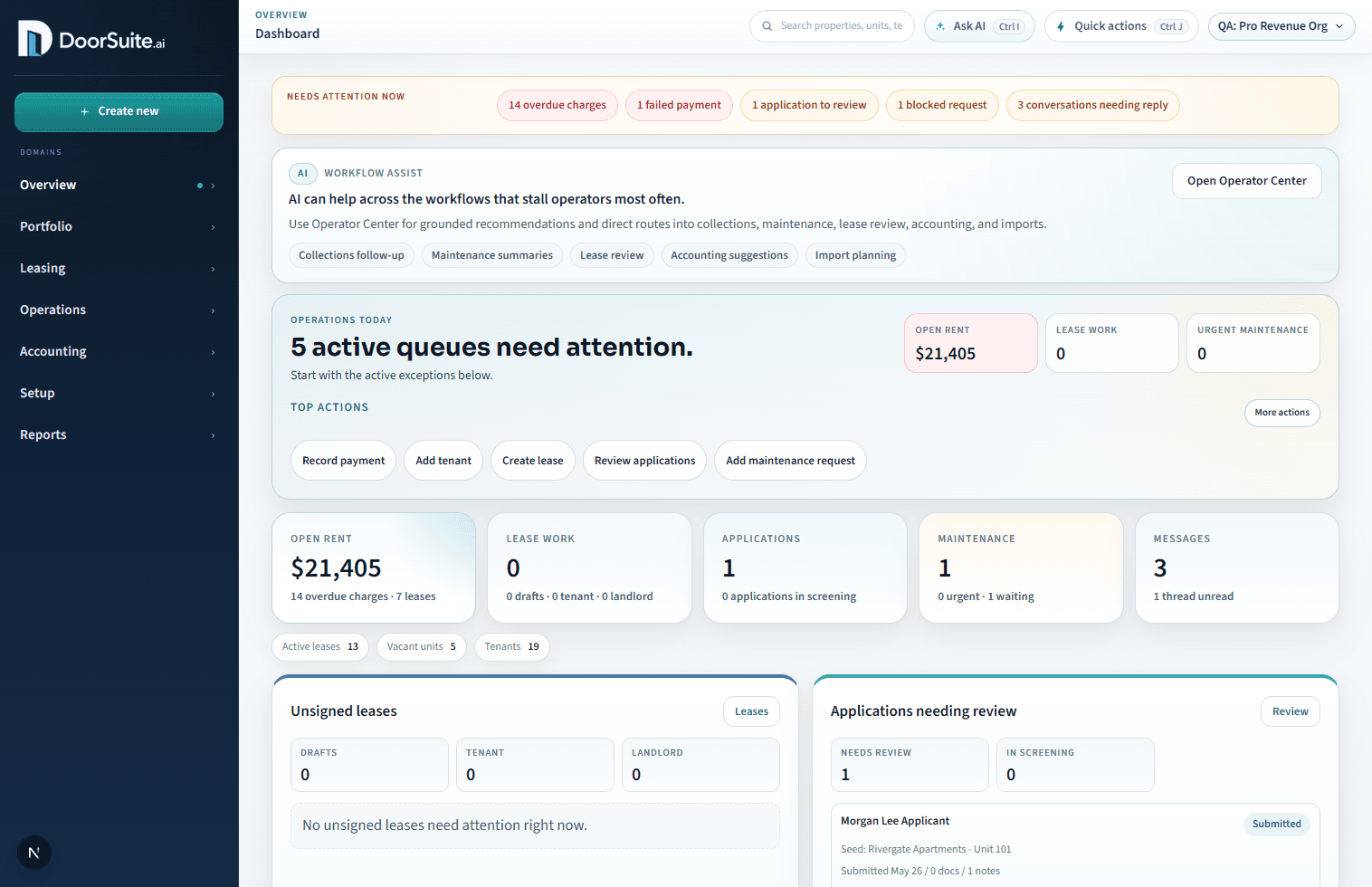
DoorSuite is built for mobile-ready execution. Staff and tenants can work through payments, lease access, messages, and maintenance updates from the portal experience without relying on desktop-only workflows.
Applications, screening handoff, lease drafting, embedded signing, and final executed lease storage stay tied to the same lease record, which reduces handoff risk during move-in.
Tenants can pay, manage autopay, view lease documents, submit maintenance requests, and reply inside request threads from the same portal.
DoorSuite supports tenant payments, autopay, invoice visibility, and collections context, so staff can see both the balance and the operational record behind it.
Most teams start by bringing over the core portfolio records, then validating leasing and payments before moving deeper operating work into DoorSuite.
Free supports a credible manual screening workflow. Pro adds integrated screening so provider requests, status, and attached reports live inside the application review workflow.
Free is the strong wedge for small operators. Pro is the self-serve upgrade for deeper workflow control and integrated screening. Enterprise is contact-led for owner portal, bank reconciliation, trust/accounting depth, and integration-heavy PM-firm needs.
Enterprise access is not a blind checkout. DoorSuite handles that package directly once the owner, accounting, trust, or integration requirements are clear. Existing customers request Enterprise from billing after sign-in.
The product is designed for self-serve rollout. Teams can stand up the workspace, validate the core workflows, and expand usage without a heavy enterprise implementation project.
If you are evaluating the product or returning to an existing workspace, start from login or create a new account.